

Know what the team can use
With a current list of shared equipment, a coordinator can prepare the next job. Technicians can check which items they will use. Internal tools are apps for staff to do everyday work like this: finding an item, assigning it and keeping its status clear.
Made-up example: a field-services team shares several tablets. It lists equipment in a spreadsheet and reports handovers in separate messages. The goal is one place to see each tablet’s availability, who has it and when it is due back, then record the next handover.
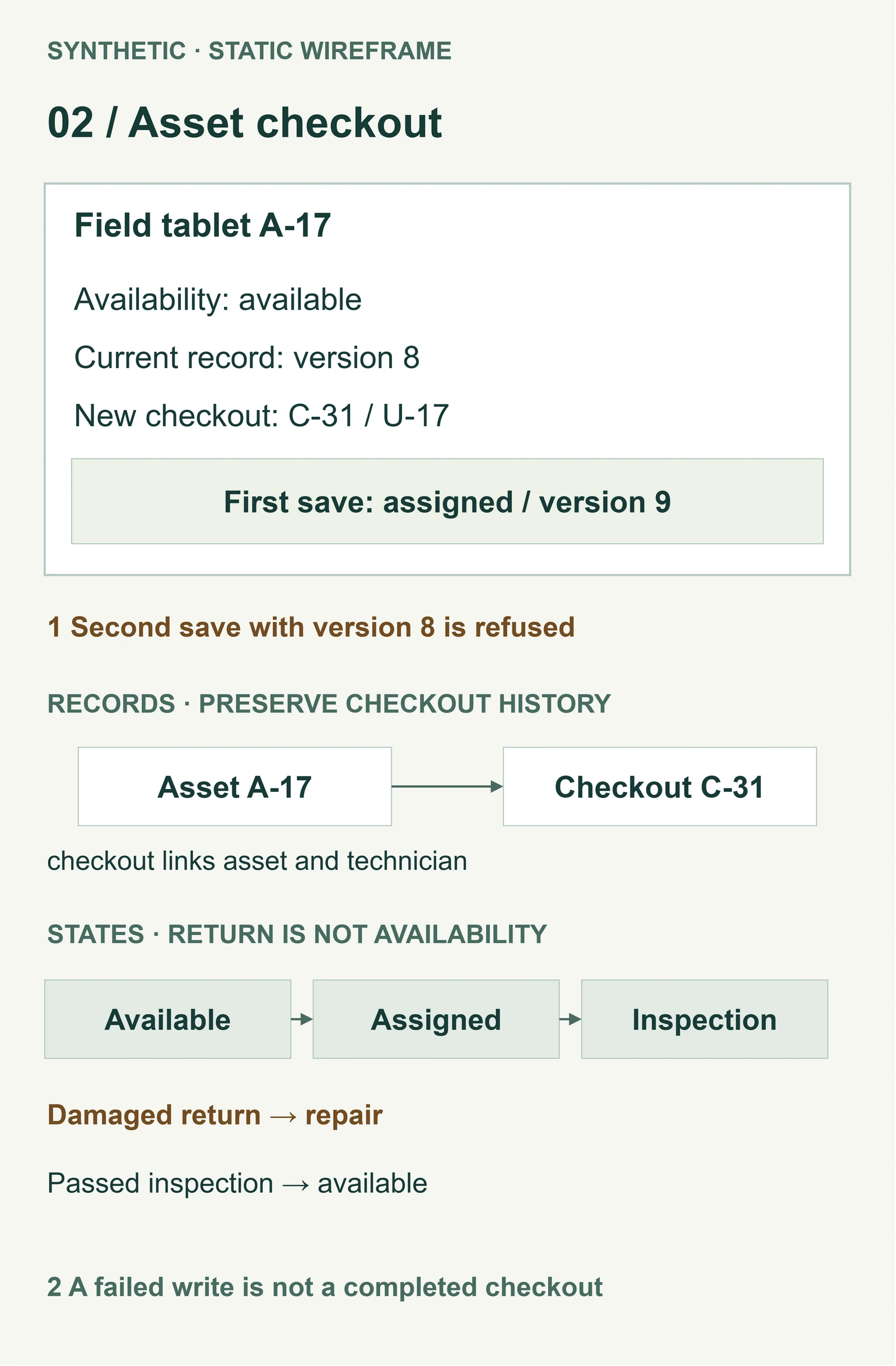
When a coordinator assigns an available tablet, the app shows who has it and removes it from the available list. Another coordinator sees that assignment before preparing a second job. The team can arrange an alternative while there is still time, rather than discover the conflict at collection.
Keep the next handover clear
The person responsible for equipment can also prepare for tomorrow. They can follow up on devices due back and see which ones have been checked and are ready to use again.
A returned tablet with a cracked screen must stay unavailable until repaired and checked. If two people try to assign the same device together, only one assignment should succeed. The other person needs a clear message to choose another device. These are things the app would need to do. The sketches below do not prove that they work.
The benefit depends on staff recording handovers and someone checking returns. An app cannot make an unreported return visible or create equipment the team does not have. It can give people a clearer basis for arranging what is available.
Build toward a dependable working day
Keep the spreadsheet if one team can keep it accurate. Try setting up an existing equipment app if it handles handovers and lets the right people make changes. If it cannot meet an important need, consider a tool with ready-made forms or an app built for your team. Assign someone to look after it.
Datimore can help you build a business app for this daily task. Where needed, it can connect with the systems your team already uses. Start with one routine and agree what a better working day would look like before choosing software.
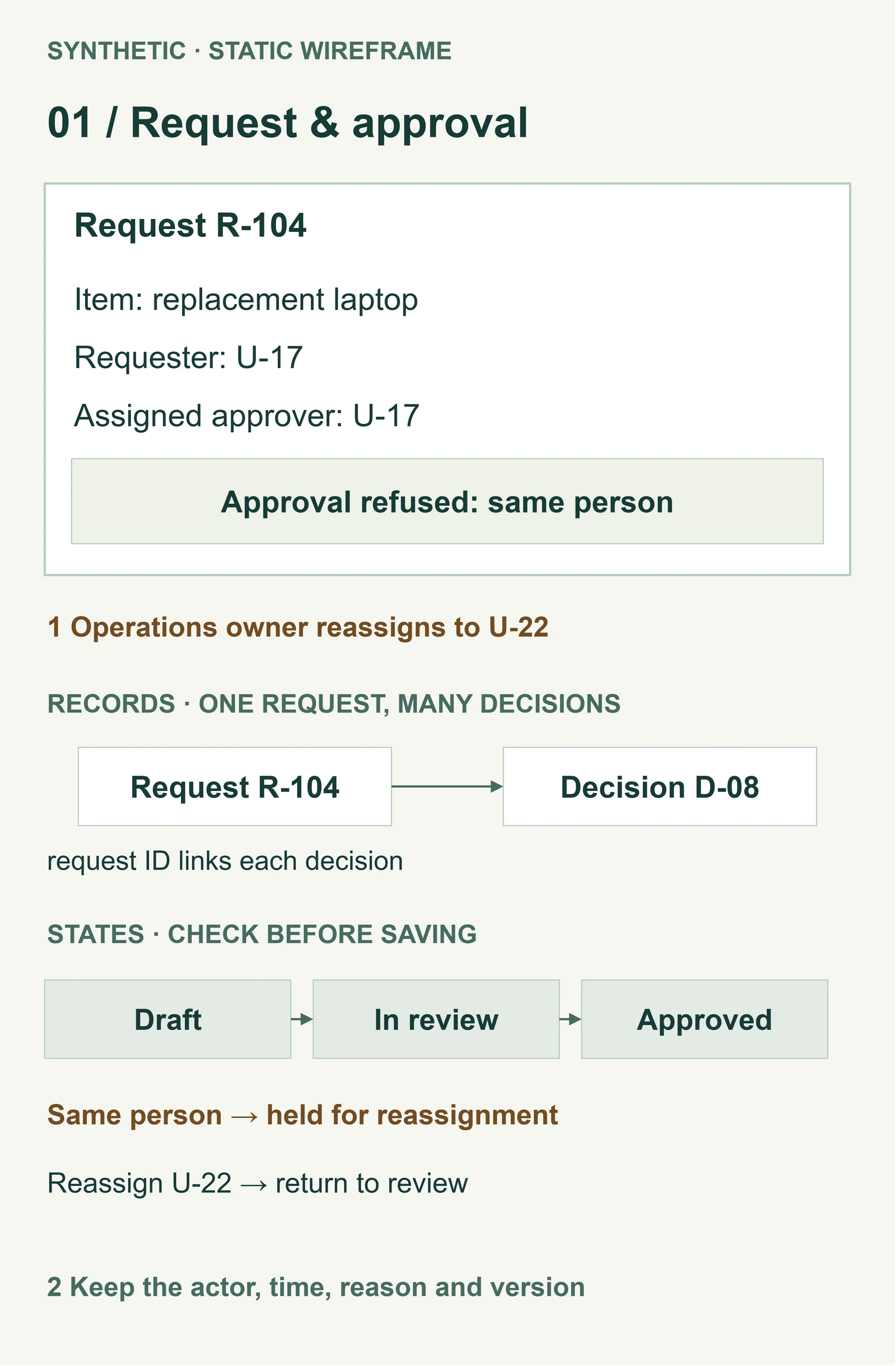
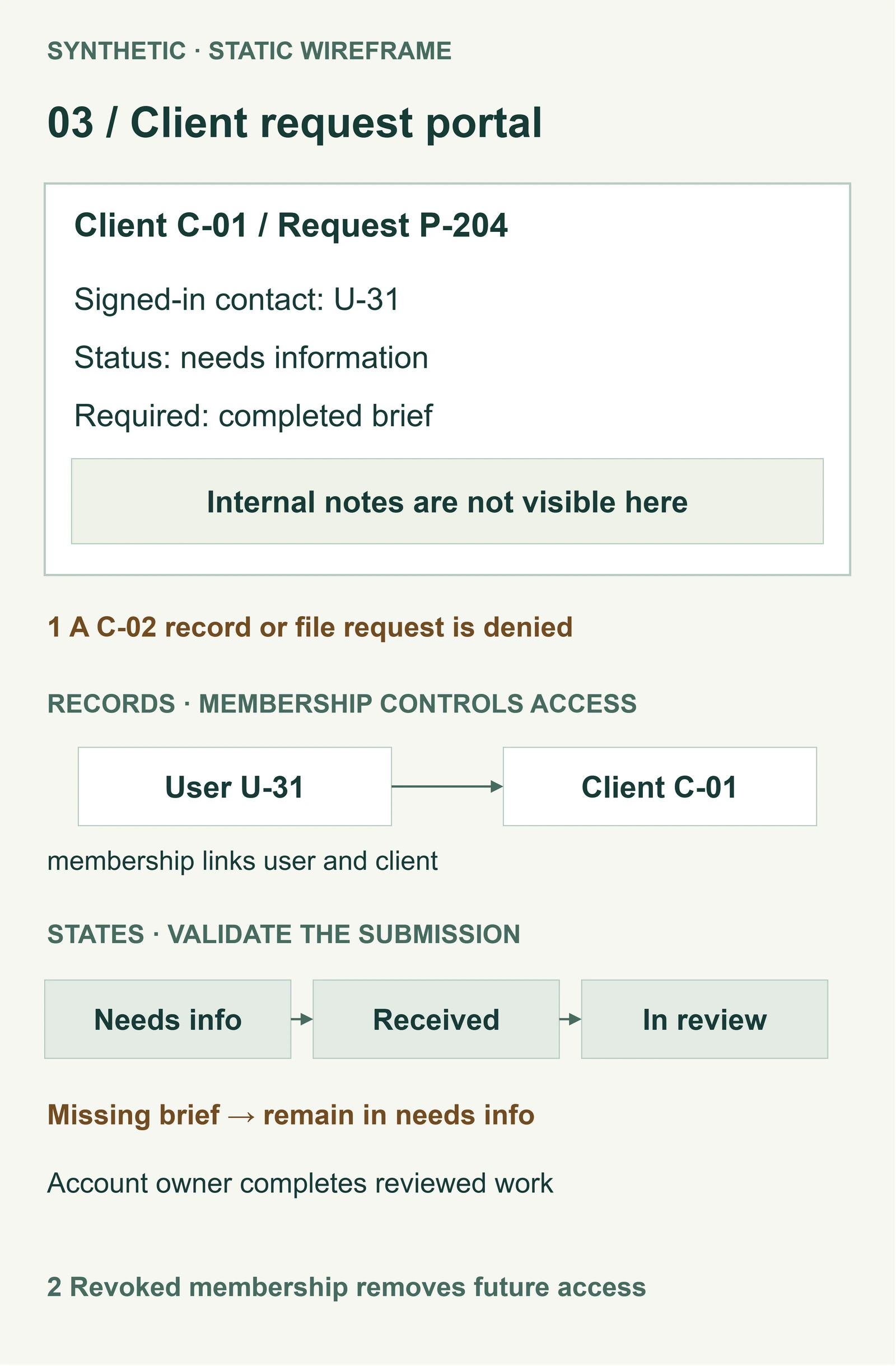
Optional sketches use made-up data. One shows equipment handovers and checks before reuse. Others show staff requests reviewed by another person, and a client portal where each client should see only their own requests.
Our marketing workspace for several clients brings a team’s working information together. The equipment example here is made up. Discuss the daily routine you want to improve, bringing the current file, the people involved and what you want to make easier for them.